Coding Classes for Kids in Tokyo: 2026 Parent Guide
Every year, more Tokyo parents ask the same question: should my child learn to code, and where do I even start? The good news is that coding classes for kids in Tokyo have never been more accessible — the challenge is telling a genuinely good program apart from one that just looks good on a website.
This guide breaks down exactly what to look for, by age, by format, and by what your child will actually build — so you can choose with confidence instead of guesswork.
What Should a Good Coding Class Teach?
A good class teaches kids how to think, not just how to type.
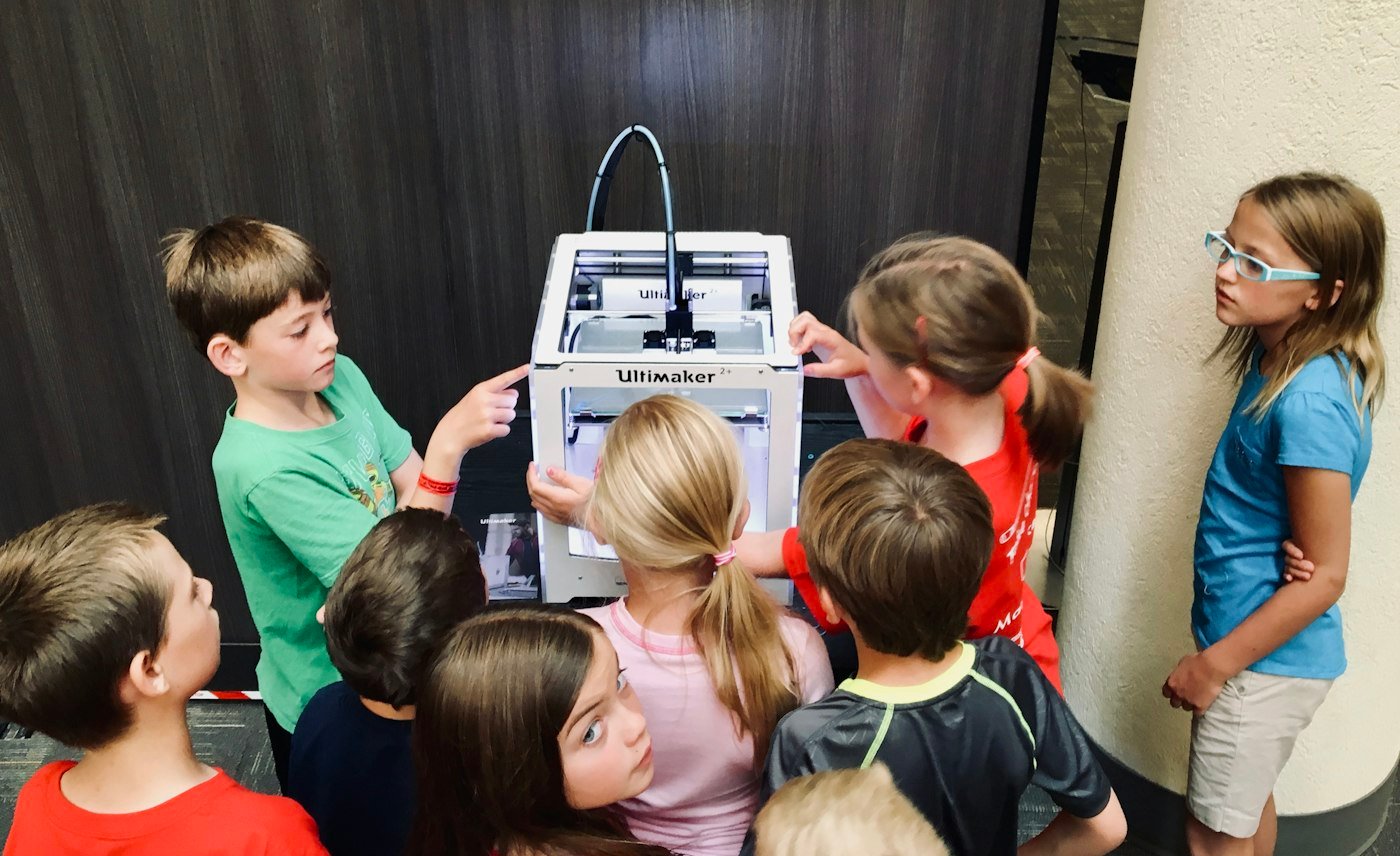
Kids should learn how to break a big problem into small steps. Then they build something, test it, and fix what goes wrong. This way of thinking helps in school, in life, and in any future job.
The tool does not matter as much as you think. Scratch, Python, or Minecraft are just tools. What matters is that your child learns to solve problems and build things they are proud of.
Which Coding Tool Is Right by Age?
| Age | Good starting tools | Main goal |
|---|---|---|
| Ages 5–7 | ScratchJr, simple games | Learn that actions have results |
| Ages 8–11 | Scratch, beginner robotics | Build real interactive projects |
| Ages 12–14 | Python, web design, game coding | Write real code and fix their own mistakes |
| Ages 15–18 | Python, JavaScript, app projects | Build things for the real world |
These are guides, not strict rules. A confident 10-year-old may be ready for Python. An older beginner might need to start with Scratch. That is okay.
🛠️ Tools Worth Trying Before You Enrol Anywhere
These are free, well-known tools — a great way to see if your child enjoys coding before committing to a paid program:
- Scratch — MIT’s free drag-and-drop coding tool for ages 7+
- Code.org’s Hour of Code — free 1-hour tutorials, great first taste
- Tynker — game-based coding lessons for beginners
Find the Right Starting Point for Your Child
Click your child’s age group below to see the best starting pathway based on what they enjoy.
Ages 5–7
- Loves building things: Early Robotics Foundations — explore this pathway
- Loves games and stories: Creative Coding Starter, ScratchJr-style — explore this pathway
- Curious about AI: Guided AI Curiosity Sessions — explore this pathway
- Not sure yet: Browse STEM Pathways by Age
Ages 8–11
- Loves building things: LEGO Robotics and Sensors — explore this pathway
- Loves games and stories: Scratch Game Design — explore this pathway
- Curious about AI: Intro to AI Concepts — explore this pathway
- Not sure yet: Browse STEM Pathways by Age
Ages 12–14
- Loves building things: micro:bit and Arduino Electronics — explore this pathway
- Loves games and coding: Python Game and App Projects — explore this pathway
- Curious about AI: AI Literacy and Prompt Skills — explore this pathway
- Not sure yet: Browse STEM Pathways by Age
Ages 15–18
- Loves building things: Advanced Robotics and Automation — explore this pathway
- Loves games and coding: Python and JavaScript Real Projects — explore this pathway
- Curious about AI: AI and Machine Learning Projects — explore this pathway
- Not sure yet: Browse STEM Pathways by Age
Not sure which fits? Register your interest and we will help you choose.
Look for Classes Where Kids Build Things
The best coding classes are not just watching and copying. Kids should make things.
Ask the school: “What will my child actually build?”
A weak answer: “They will learn Python.”
A strong answer: “They will design and build their own playable game in Python.”
If a child builds something they care about, they will want to keep going.
In-Person vs Online Classes
In-person classes
Great for younger kids. The teacher can help right away. No tech setup needed at home. You do need to travel, which matters a lot in Tokyo.
Online classes
More flexible. Good for busy families. Check that the class is live and interactive — not just videos to watch alone.
Private or small group
More personal. The teacher can move at your child’s speed. Usually costs more. Ask how they track progress.
Questions to Ask Before You Sign Up
- What will my child actually make?
- How many kids are in each class?
- What happens if my child is stuck or bored?
- Will I get updates on how my child is doing?
- Is there a trial class before I commit?
- How do they keep kids safe online?
Signs of a Good Class
- Kids spend most of the time making things, not watching.
- They can tell you what their code does.
- Teachers help kids figure it out, not just fix it for them.
- There is a clear plan that gets harder as kids improve.
Be careful of schools that promise your child will be an “expert” after a few lessons. Real skills take time and practice.
Teaching Language in Tokyo
Some families need English. Others want Japanese support. Check the actual teaching language, not just the website language. They are not always the same.
How Tokyo STEM School Approaches Coding
Our coding classes focus on real projects, the right age-level, and visible results. You can also look at our programs by age to find the best starting point.
Ready to see what your child could build?
Spaces in our founding cohort are limited. Register your interest today and we’ll reach out with dates, pricing, and the right pathway for your child.